Lead Management
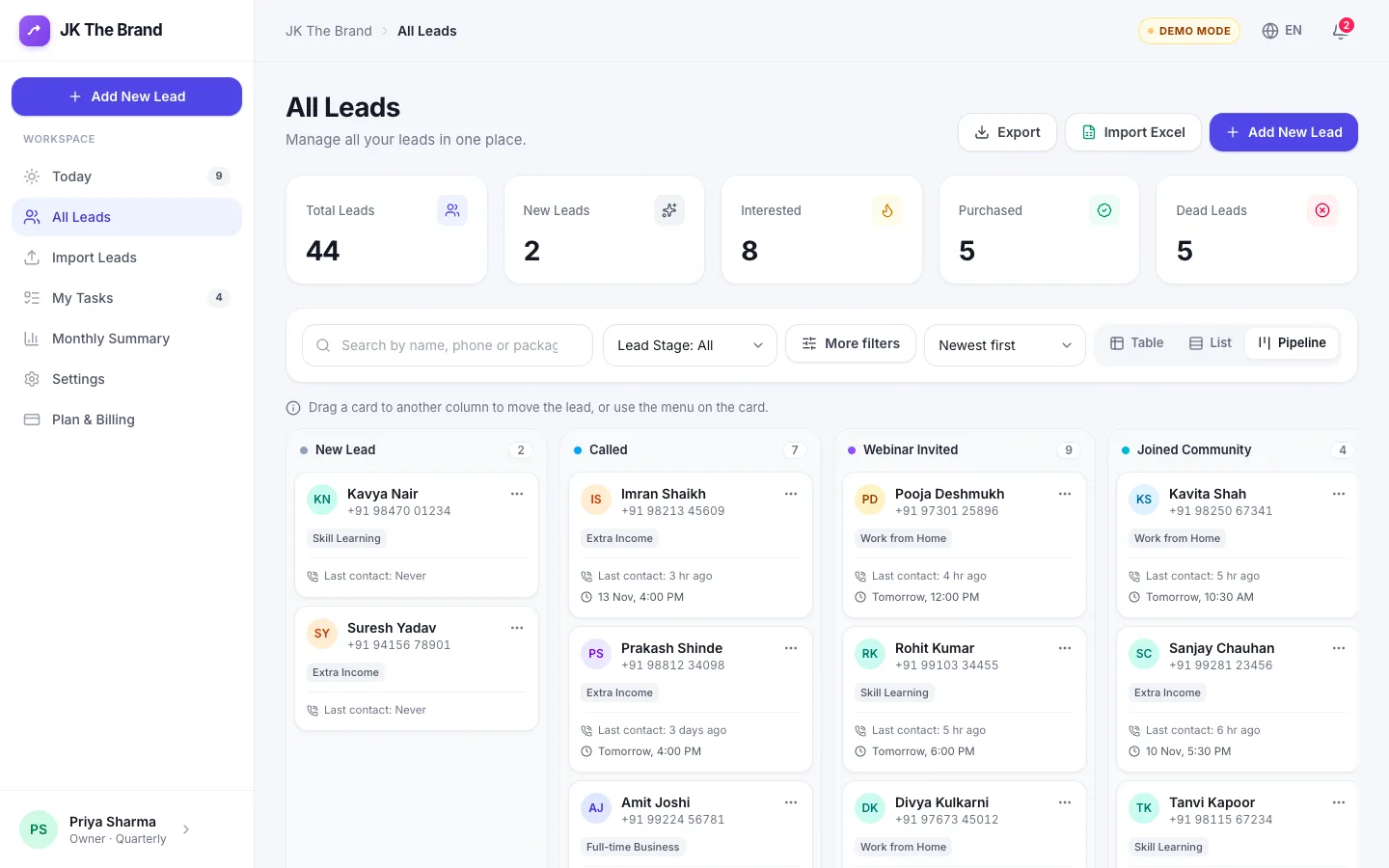
Every lead in one list — name, phone, city, source, profile and interest. Search, filter and sort in seconds, or add a lead in a few taps.
Lead & follow-up management, made simple
Manage your leads, calls, follow-ups and daily tasks in one simple workspace. Spend less time tracking spreadsheets and more time building relationships and growing your business.
14-day free trial · No card needed · Hindi & English
Good morning, Asha
Here’s your activity for today.
7 of 12 calls completed
Overdue
New leads — first call
Scheduled for today
Completed today
Why JK The Brand
When leads live in Excel files, notebooks and WhatsApp chats, good opportunities slip away. JK The Brand brings it all into one calm, simple place.
The everyday struggle
With JK The Brand
Features
Simple tools that match how you already work: call, note, invite, follow up, repeat.
Every lead in one list — name, phone, city, source, profile and interest. Search, filter and sort in seconds, or add a lead in a few taps.
“Today” builds your call list for you: overdue follow-ups first, then new leads and today’s scheduled calls, with a progress bar for the day.
See every lead by stage on a board — from New Lead and Called to Webinar Invited, Interested and Joined / Purchased.
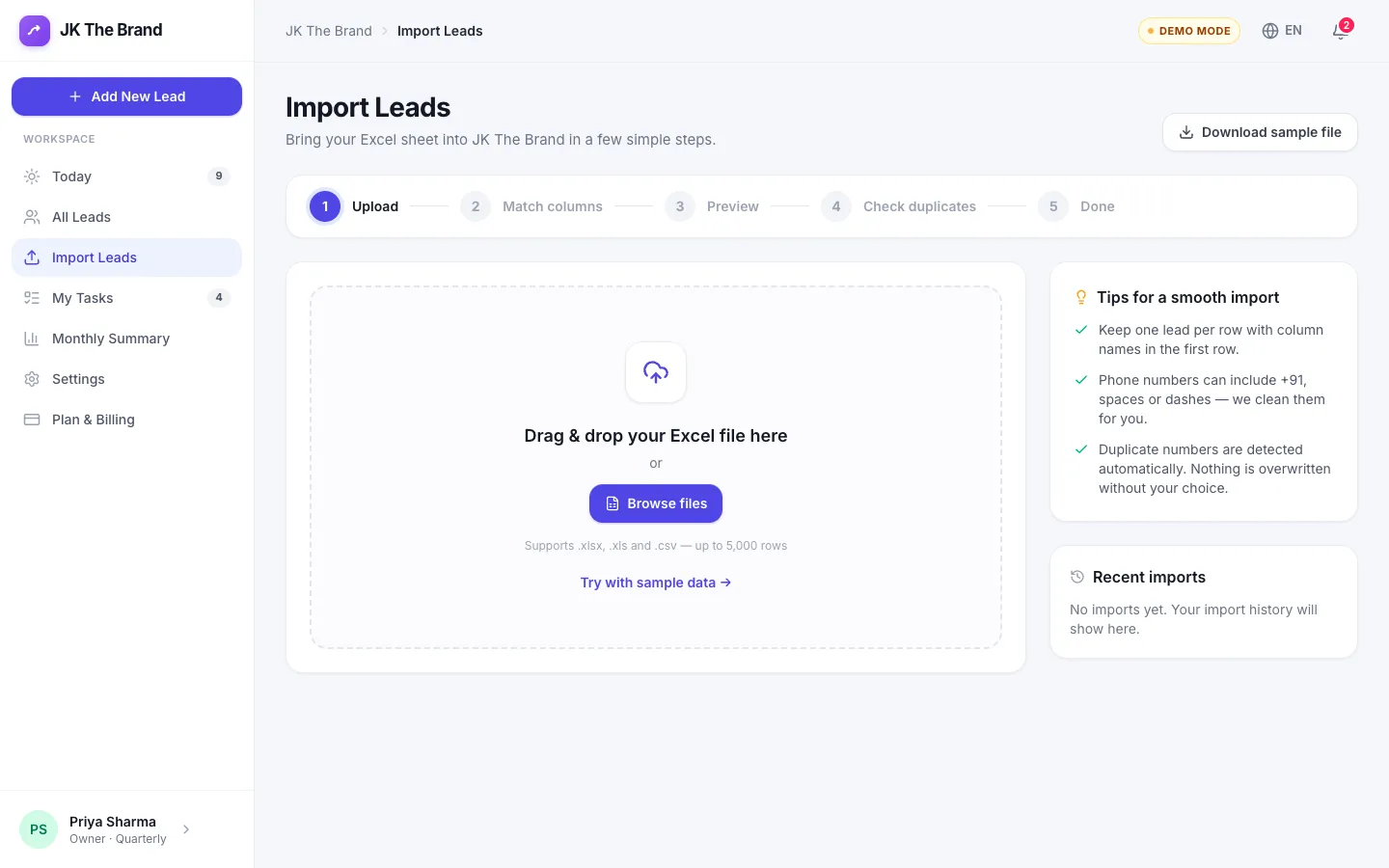
Upload .xlsx, .xls or .csv files. Download a sample sheet, preview before importing, and get a list of any rows that need fixing.
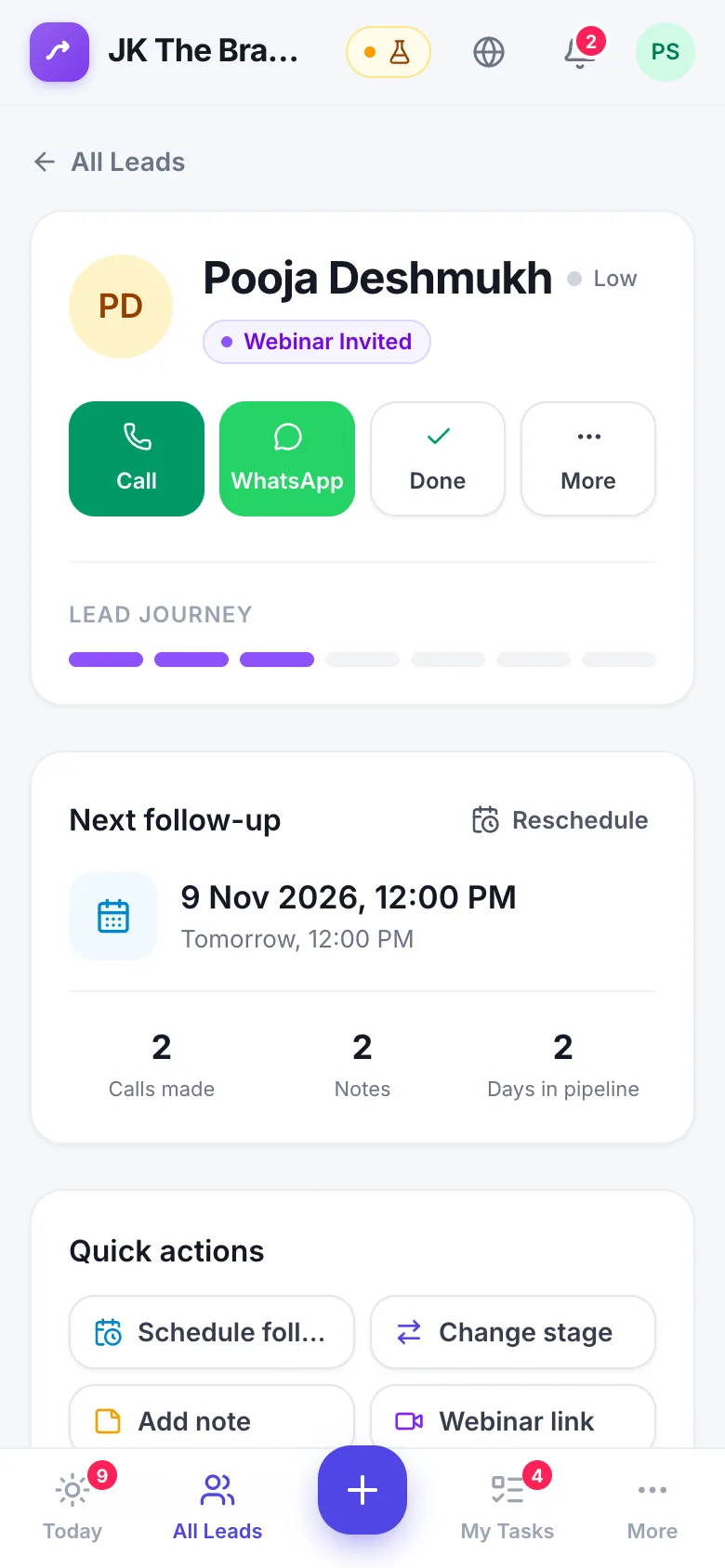
Calls, stage changes, notes and follow-ups are saved automatically on each lead, newest first — the full story at a glance.
Keep your own to-dos next to your calls, with due dates and priorities. Tick them off as you go.
Send your webinar link from a lead in one tap, and track who was invited, who joined your community and who attended.
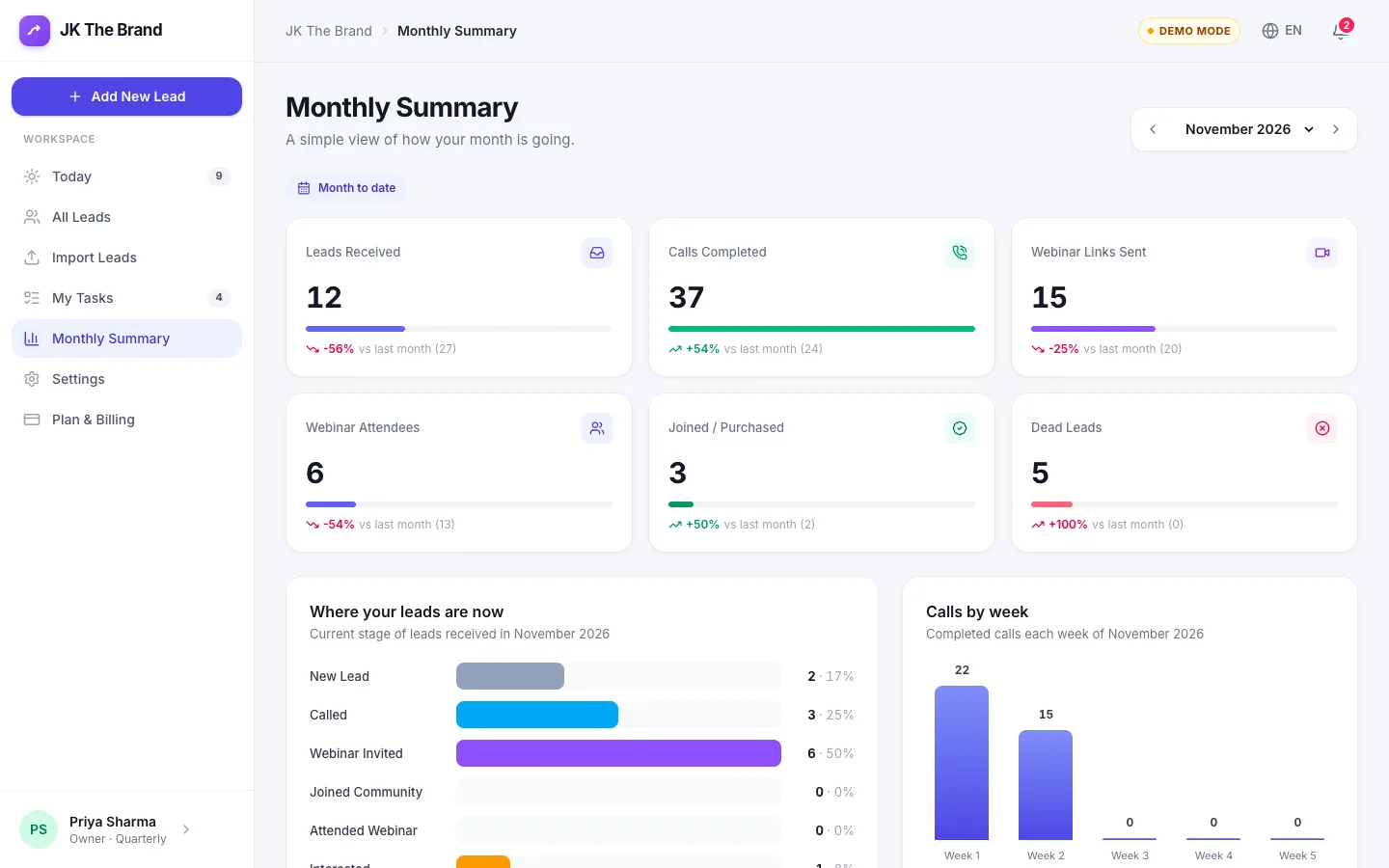
A simple monthly summary: leads received, calls completed, webinar links sent, attendees, purchases and conversion.
Use the whole app in Hindi or English, and switch any time from Settings.
Designed for the phone first. Add it to your home screen like an app; common updates made without internet are saved and sent when you are back online.
How it works
Type a lead in a few seconds, or upload your existing Excel or CSV sheet in one go.
Mark each call, move the lead to the right stage, add a note and set the next follow-up.
Open Today every morning for your call list, tick off tasks and check your monthly summary.
Inside the app
Real screens from JK The Brand, shown with sample demo data.
Benefits
One place for every lead, note, task and follow-up.
No more searching through sheets and chats before each call.
Overdue and today’s calls are always at the top of your list.
Everything works on mobile, even when the network is weak.
See calls, webinar invites and conversions at a glance.
Your leads stay private to your workspace and team.
Pricing
Start with a 14-day free trial — no card needed. Choose the plan that suits you from Plan & Billing whenever you are ready.
For individuals starting to organise their daily calls.
₹399per month
Most popular
Best value for active affiliate marketers.
₹999per 3 months
For serious professionals managing large pipelines.
₹3,999per year
Prices in Indian Rupees (INR).
FAQ
JK The Brand is a simple workspace for managing leads and follow-ups. It shows who to call today, keeps notes and history on every lead, tracks webinar invitations and stages, and gives you a monthly summary — without spreadsheets.
Anyone who follows up with leads by phone or WhatsApp — affiliate marketers, sales callers, small business owners and people working from home. No technical knowledge is needed. A workspace owner can also add team members with their own roles.
Yes. Upload an .xlsx, .xls or .csv file (up to 10 MB). You can download a sample sheet, check a preview before importing, and download a list of any rows that could not be imported.
Yes. After each call you can set the next follow-up date and time. The Today screen lists overdue follow-ups first, then new leads and calls scheduled for today, and shows tomorrow’s follow-ups too.
Yes. It works in the browser on Android and iPhone, and you can add it to your home screen to open it like an app. If the internet drops, common updates such as marking a call done are saved and sent automatically when you are back online.
Yes. The full interface is available in Hindi and English. You can change the language any time in Settings.
Create your free account with your name, email and a password — your 14-day free trial starts straight away. Then add a few leads or import your Excel sheet, and open Today to start calling.
Open “Plan & Billing” in your workspace. It shows your current plan, trial and renewal dates and payment history, and lets you renew, cancel or resume your plan.
Bring your leads, follow-ups and daily work together in one simple workspace.